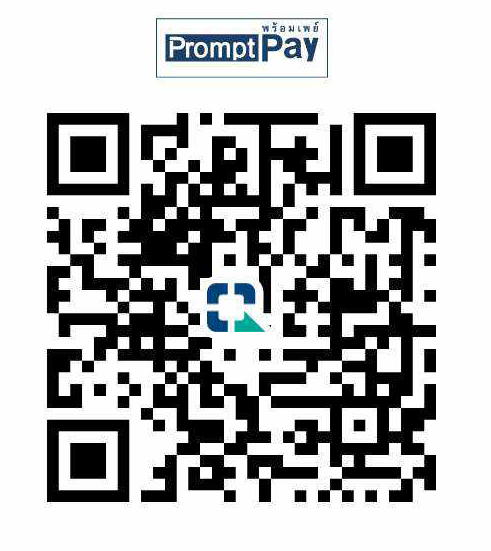
Use the FarangMart QR payment code below, then send your payment receipt to us for verification. Once the payment has been checked, your eligible listing can be activated as a Featured Ad.
Step 01
Scan the payment QRUse your banking or payment app to scan the FarangMart QR code shown below.
Step 02
Keep your receiptSave the payment confirmation or transfer receipt after the payment has been completed.
Step 03
Send it for verificationEmail the receipt to FarangMart so the Featured upgrade can be checked and activated.
QR payment
Scan to make your payment.
Open your preferred banking or payment application and scan the QR code below.
✓Check the payment details in your banking app before confirming. Only proceed when you are satisfied that the payment information shown is correct.
After payment
Send us the payment receipt.
The current FarangMart Featured-upgrade process requires the payment receipt to be checked before the Featured placement is activated.
01
Complete the QR payment.
Make the payment using the QR code and wait until your banking or payment app confirms that the transaction has completed.
02
Save the receipt or confirmation.
Take a screenshot or save the payment receipt supplied by your banking or payment application.
FarangMart does not act as a payment intermediary between buyers and sellers. Do not use this QR code to pay another marketplace user for an item, vehicle, property or other classified listing.